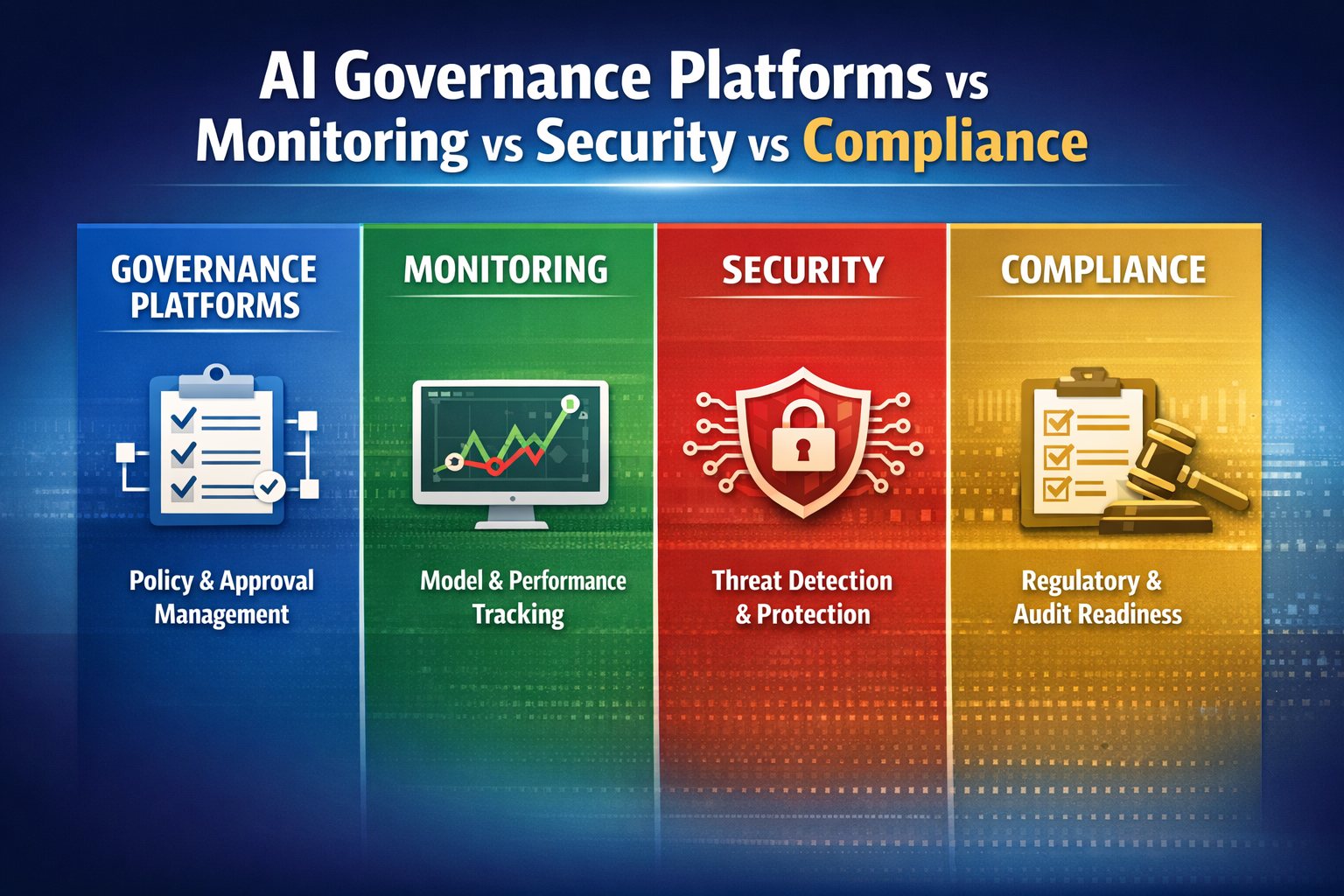
Arthur.ai recently laid out a practical four-part framework talking about "The Best Practices for Building Agents," in a 4 part series (see links below for all 4). Their approach centers on observability, prompt management, continuous evaluations, and structured experiments. These four practices form a repeatable loop that helps teams understand what their agent is actually doing, measure how well it performs, and improve it without breaking what already works.
Most AI agents look good when you test them in a controlled setting. They give reasonable answers, follow instructions, and finish tasks without obvious problems. That stability often disappears once the agent faces real users, messy data, and continuous use. Small inconsistencies creep in. Outputs start to vary. Decisions become harder to trace. Over time, reliability quietly slips away.
Each practice handles a different piece of the puzzle. Observability shows you the full internal flow. Prompt management treats instructions as real code. Evaluations measure performance on every run. Experiments give you a safe way to test changes. Together they create a development process that scales beyond the demo stage.
Key Terms Observability
The ability to see every single step an agent takes while it is working, including model calls, tool usage, memory access, and decisions. This goes beyond basic logs by showing the full internal flow of the system.
Tracing (Agent Traces)
A detailed record of the full path an agent took to complete a task. It functions like a step-by-step receipt that shows every action and decision from start to finish.
Prompt Management
Treating prompts as structured, versioned components that are stored, tested, and improved over time. Prompts are handled as part of the system, not as one-time instructions.
Evaluation (Eval)
An automated check that measures how well an agent performed on a task. This can be a simple pass or fail result or include more detailed feedback for analysis.**
Ground Truth
The correct or expected output for a given task. It serves as a reference point when testing whether an agent’s response is accurate.
Overfitting
A situation where an agent is tuned too closely to specific examples, causing performance to drop when it encounters new or slightly different tasks.
The Four Core Practices
Part 1: Observability and Tracing
Observability is the starting point because it shows you what the agent is actually doing, not what you think it is doing. Every run produces a sequence of steps. The model receives input, selects tools, retrieves information, and generates outputs. Without visibility into that sequence, failures appear random and are hard to reproduce.
Tracing turns that visibility into something usable. A trace captures the full path of a task from start to finish, including every intermediate decision. When something goes wrong, you can replay the trace and see exactly where the behavior shifted. Many teams make the mistake of relying only on final outputs or basic logs. That only shows the result, not the process that produced it.
Prompts define how the agent behaves, which makes them part of the system rather than a one-time instruction. Small changes in wording can lead to different tool choices, different reasoning paths, and different outcomes. Treating prompts casually leads to inconsistent behavior over time.
Managing prompts means storing them outside of application code, versioning changes, and testing updates before deployment. This creates a controlled way to improve behavior without introducing silent regressions. A common failure pattern is editing prompts directly in code or chat and pushing changes without tracking them. Over time, no one knows which version is responsible for current behavior.
Part 3: Continuous Evaluations
Evaluations measure how well the agent performs on real tasks. Because agent behavior can vary from run to run, a single test is not enough. Continuous evaluations run automatically across interactions, providing ongoing feedback about performance.
Effective evaluations are simple and targeted. A pass or fail score can quickly show whether a task was completed correctly, while short explanations help diagnose failures. Many teams try to evaluate everything at once. A better approach is to focus on a small set of high-impact scenarios and expand over time. This creates a feedback loop that reflects real usage instead of ideal conditions.
Part 4: Experiments and Iteration
Experiments provide a structured way to improve the agent without breaking what already works. Each change — whether it is a new prompt, a tool update, or a retrieval adjustment — should be tested against previous behavior.
This process follows a loop. Run the agent, evaluate the results, apply changes, and test again. Ground truth data helps anchor these comparisons by providing known correct outcomes. One common issue is overfitting, where the agent is tuned too closely to specific examples and performs worse on new tasks. Iteration should expand coverage gradually, ensuring improvements hold across different inputs rather than just a narrow set of cases.
The Mentor Guide: How to Actually Build a Reliable Agent
This guide is not a complete manual for building and managing an agent from scratch. It focuses on the critical phase after you have the initial idea and a working prototype. Follow Arthur’s full four-part series for the complete development process, then use this guide to strengthen the observability, prompt, evaluation, and iteration stage so your agent stays reliable in production.
Let’s sit down together and walk through this like we’re at the same desk. You’ve built something that works nicely in a notebook. Now you want to put it in front of real users without it falling apart on you. The teams that succeed don’t chase magic prompts or hope for the best. They follow a simple, repeatable loop and apply it in strict order. I’ll walk you through each step, show you what usually goes wrong, and tell you exactly how to avoid those traps.
Step 1: Start with Observability
Before you try to make the agent smarter or faster, make sure you can see what it is actually doing. Every single run should produce a full trace. That means capturing the input it received, every model call it made, every tool it used, every piece of context it retrieved, and every decision it took along the way.
Think of it like a security camera that records the entire hallway, not just the front door. If something goes wrong later, you can open the trace and point to the exact moment the behavior shifted.
The most common mistake I see is waiting until something breaks before adding logging. By then the failure is almost impossible to reconstruct because you don’t have the full picture.
Fix: Instrument everything from day one and store the traces in a searchable system. Do this before you write another line of logic.
Real scenario: Imagine a customer support agent that suddenly starts giving wrong answers to users. With proper traces you open the record and see it retrieved the wrong knowledge base article, then followed that bad context all the way to the final response. You now know exactly where to fix it instead of guessing in the dark.
Step 2: Treat Prompts as Versioned Code
Prompts are not casual notes you type once and forget. They are real code that controls how the agent thinks and acts. Even a small change in wording can completely alter which tools the agent picks or how it reasons through a task.
Move prompts out of ad-hoc edits and into a managed system. Store them externally, version every change, and test updates before you roll them out. This gives you control instead of chaos.
The mistake I see constantly is editing prompts directly in code or in a chat window and pushing the change live without tracking what changed. A few weeks later no one remembers which version is running or why the agent suddenly started behaving differently.
Fix: Build a prompt library with clear versions and run controlled tests every time you update one. Treat the prompt like any other piece of production code.
Real scenario: A research agent that used to summarize documents accurately suddenly starts leaving out key details. Because prompts are versioned, you can compare the old version against the new one, see exactly which sentence caused the problem, and roll back in minutes instead of spending days debugging.
Step 3: Build a Focused Eval Set
You need a reliable way to measure whether the agent is doing what you want. Start small. Pick just 5 to 10 high-impact tasks that represent real usage. Define clearly what “correct” looks like and score each run as pass or fail, plus a short explanation for why it failed.
Trying to evaluate everything at once creates noise and slows you down. Focus first on the cases that hurt the most when they fail.
Real scenario: An internal automation agent that files expense reports. Your eval checks whether the total matches the receipt and whether the category is correct. When it fails, the explanation immediately shows you the logic error instead of forcing you to dig through logs for hours.
Step 4: Run the Experiment Loop
Now you have the full cycle: run the agent → evaluate the results → make a change → test again. Every single change (new prompt, new tool, new retrieval method) gets compared against previous behavior using your eval set and ground truth examples.
The biggest danger here is overfitting — tuning the agent so tightly to a small set of examples that it performs worse on anything new.
Fix: Expand your eval set gradually and always validate changes across varied inputs, not just the ones you like. Run the loop regularly, not just when something breaks.
Real scenario: A coding agent that generates patches. You compare its output against real accepted changes in your repository. If a new prompt improves one case but breaks three others, you catch it before it reaches production and frustrates your team.
Keep this loop running. Reliability is not a one-time milestone you reach and then forget about. The best teams treat it as ongoing maintenance. They observe, measure, adjust, and repeat — week after week. That’s how you turn a clever demo into an agent people can actually trust in production.
Our Take
AI Governance Take
These four practices give you a solid technical foundation for making agents reliable. But reliability by itself is not enough for most organizations. Once an agent is running in production, especially one that touches real decisions, data, or money, you need more than good performance. You need to know what it is doing, why it is doing it, and that it stays within the rules you set.
Observability and evaluations already move you in the right direction. They create visibility into decision chains and give you ongoing measurements of behavior. That visibility is the raw material for governance. Without it, policies remain paper exercises that have no connection to what the agent actually does in practice.
The teams pulling ahead are the ones that treat these technical practices as the foundation for governance, not the end goal. They use traces and evals to verify that the agent’s behavior matches the policies they defined. They turn raw observability into auditable evidence. They add runtime controls so certain actions are structurally prevented rather than just hoped for.
This is the real shift happening right now. The question is no longer only whether the agent can complete a task. It is whether its entire chain of decisions can be observed, explained, and kept inside defined boundaries as conditions change. That combination — technical reliability plus verifiable governance — is what allows organizations to run agents at scale with confidence.
GAIG tracks platforms that support this full picture: strong observability and evaluation capabilities paired with runtime enforcement and audit-ready evidence. Enterprise teams can compare options in the AI Monitoring and AI Governance categories at GetAIGovernance.net based on how well they connect technical performance to policy and control.